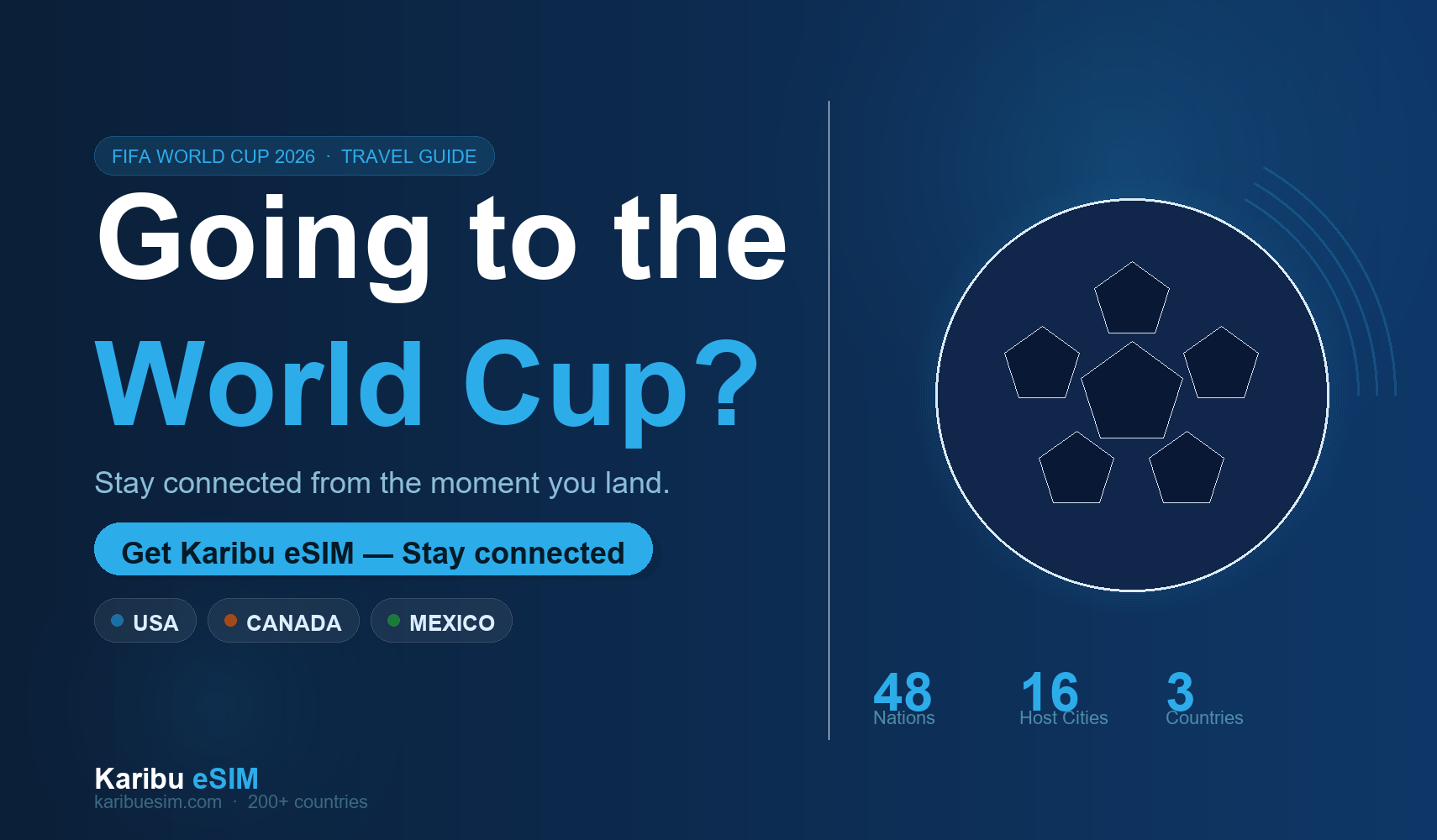
The FIFA World Cup 2026 is here — spread across 16 host cities in the USA, Canada and Mexico, with 48 nations and billions of fans watching around the world. If you've made the trip to be there in person, the last thing you want is to land at JFK, Pearson or Benito Juárez and spend your first hour hunting for a local SIM card while everyone else is already sharing footage from outside the stadium.
A Karibu eSIM gives you working data before you leave home. Scan a QR code, activate, land, connect. Here's everything you need to know.
The 2026 World Cup is the first ever hosted across three countries simultaneously. If you're catching matches in multiple cities — say New York, Toronto and Mexico City — you'll need data that works across all three. We've got you covered.
The three host countries and your eSIM options
Karibu has active plans for all three host nations. Here's a snapshot of where to start:
Not sure which plan size you need? The data calculator on the Karibu homepage walks you through it in three questions. Most fans attending two to three matches over a week will be well served by a 5GB to 10GB plan, with a buffer for video calls home and the inevitable social media celebration footage.
How much data does a World Cup fan actually use?
This is the question most people get wrong. Here's a realistic breakdown for a typical match day:
| Activity | Data per hour | Match day total |
|---|---|---|
| Google Maps navigation | ~5 MB/hr | ~20 MB |
| Instagram / TikTok browsing | ~150 MB/hr | ~300 MB |
| Video stories and reels posting | ~100 MB/upload | ~300 MB |
| WhatsApp voice + video calls | ~15 MB/hr | ~60 MB |
| Match highlights streaming | ~350 MB/hr | ~700 MB |
| General browsing and X / Twitter | ~50 MB/hr | ~150 MB |
| Estimated match day total | ~1.5 GB |
So for a 10-day trip with five or six match days plus normal travel browsing in between, you're looking at roughly 10 to 15 GB total. A 10 GB plan covers most fans comfortably; if you're a heavy poster or planning to stream extensively, step up to 20 GB or consider one of the unlimited 30-day Nomad Plans.
Download your stadium and city maps offline in Google Maps before each match day. This slashes your navigation data usage significantly and means you'll have directions even in areas with poor signal inside large stadium concourses.
Why an eSIM beats buying a local SIM at the airport
- 1 No queues. Airport SIM kiosks at World Cup time will have serious lines. You'll walk straight past them with a Karibu eSIM already active on your phone.
- 2 No language barrier. Purchasing a local SIM in Mexico or navigating a US carrier store as a tourist isn't always straightforward. With Karibu, everything is handled in English, in advance, from home.
- 3 Keep your home number active. An eSIM runs alongside your existing SIM. Your bank can still reach you, your family can still call your regular number, and you're online for data on the eSIM.
- 4 Multi-country flexibility. If you're catching matches in both the USA and Canada or crossing into Mexico, you don't need three separate SIMs. Buy the plans you need, one account, one wallet.
- 5 Earn cashback on every purchase. Your first Karibu eSIM gives you 50% back as travel credits. Every plan after that earns 20% back. It adds up fast over a multi-destination tournament trip.
How to set up your Karibu eSIM before you fly
The whole process takes under five minutes. Here's the order to do it in:
- 1 Check your phone supports eSIM. Most smartphones from 2020 onwards do — including all iPhones from XS, Samsung Galaxy S20 and newer, and most Google Pixel models. Go to Settings and look for "eSIM" or "Digital SIM" to confirm.
- 2 Choose your destination and plan at karibuesim.com. Select the country you're flying into first. You can always add more countries from your account later.
- 3 Complete checkout and receive your QR code instantly by email. Keep this email accessible — you'll need it at activation.
- 4 Scan the QR code on your phone before departure. The eSIM installs in seconds. Set it to activate automatically when you connect to a foreign network, so it kicks in the moment your plane lands.
You can install the eSIM QR code from anywhere with a Wi-Fi connection, but you need to do it before you lose access to your home internet. Don't leave this for the plane. Five minutes at home the night before is all it takes.
Following an African team to North America?
Africa is showing up in style at the 2026 World Cup. Morocco, Ghana, South Africa, Nigeria, Egypt, Tunisia, Ivory Coast, Algeria, Cabo Verde and more are representing the continent on the biggest stage in football. If you've made the journey from Africa to support your nation, Karibu eSIM was built with you in mind — an African brand making sure African travellers stay connected wherever the game takes them.
What about roaming from your home carrier?
Most African and international carriers charge between $5 and $15 per day for roaming in the USA. On a 10-day trip that's $50 to $150 — often for throttled data and no guarantee of good speeds in crowded areas like stadium concourses. A Karibu eSIM plan for the same trip typically runs a fraction of that, with no daily cap or speed restriction.
Even if your carrier offers a roaming add-on, it's worth comparing what you actually get. Karibu plans run on the same underlying networks as the major US, Canadian and Mexican carriers — same towers, lower price.
Ready to go? Grab your plan before you fly
The World Cup only comes around every four years. You've got the ticket, the flights and the passion. Don't let a data problem be the thing that slows you down. Get a Karibu eSIM today, land connected, and focus on what matters — the football.